Run your business together with your service companies.
kommuns is a maintenance management platform that brings businesses and service companies together on the same inventory and work order records. People, teams and service companies reach only the records they are authorized for, and take part in work orders as the one doing the job or the one checking it.
- Every job on the place or equipment it belongs to
- Access where you are assigned
- One platform with your business partners
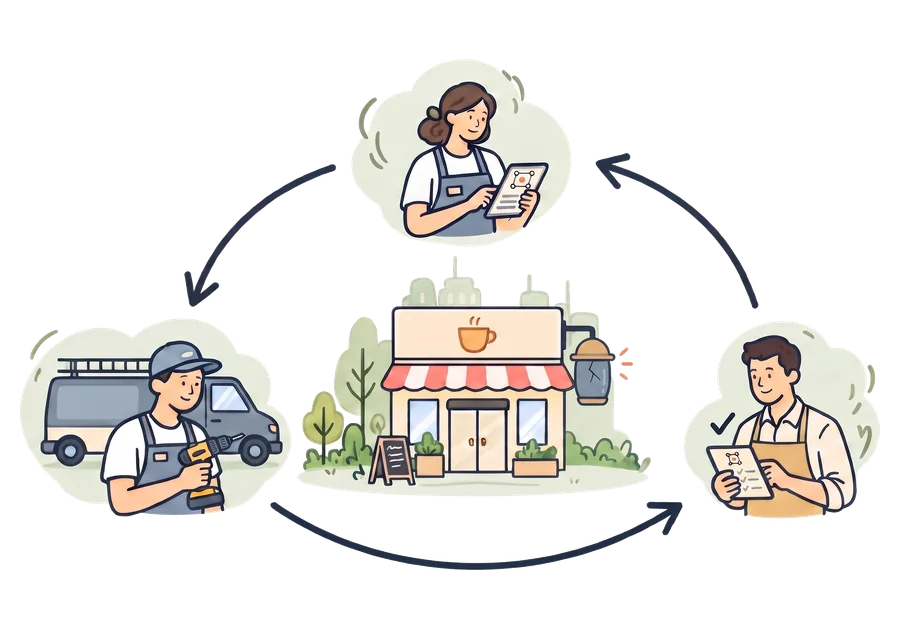
Open the job where it belongs, give access by assignment.
Record your inventory linked together, just as it is
Your branches, systems, equipment and their parts sit in one structure, each in its place.
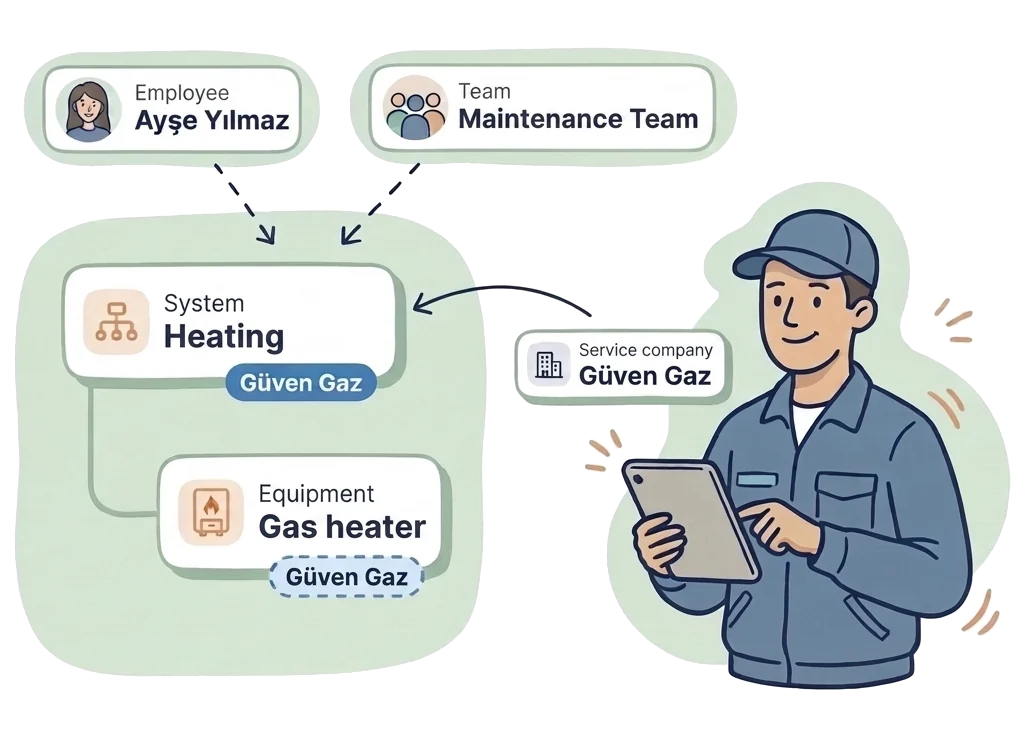
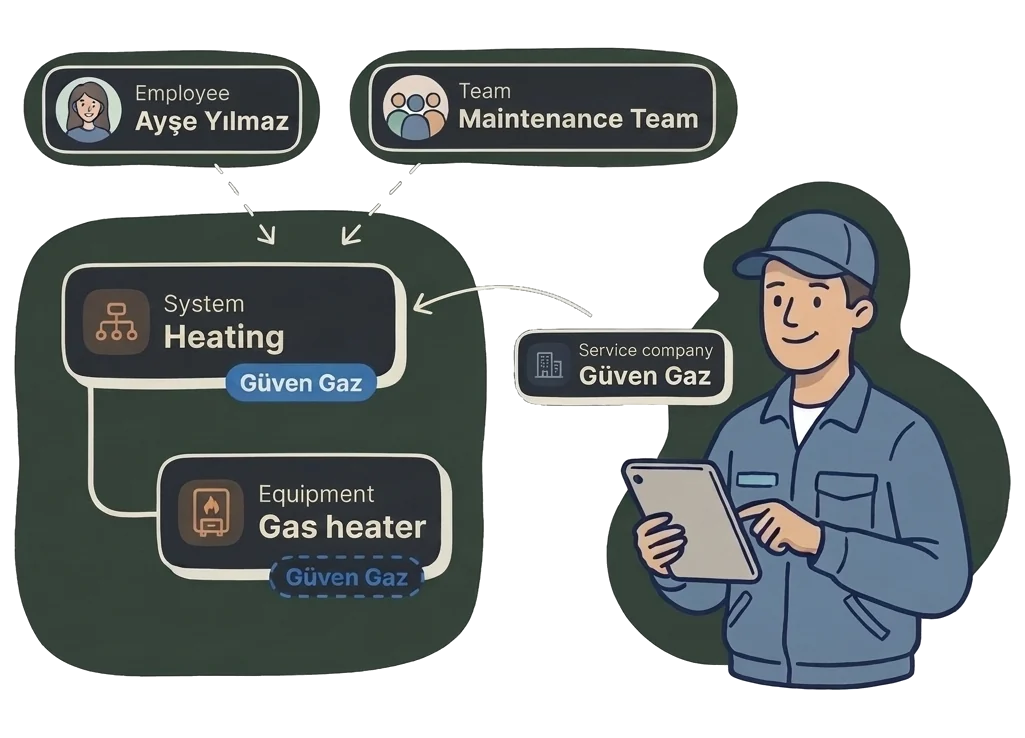
Assign your team and your service company
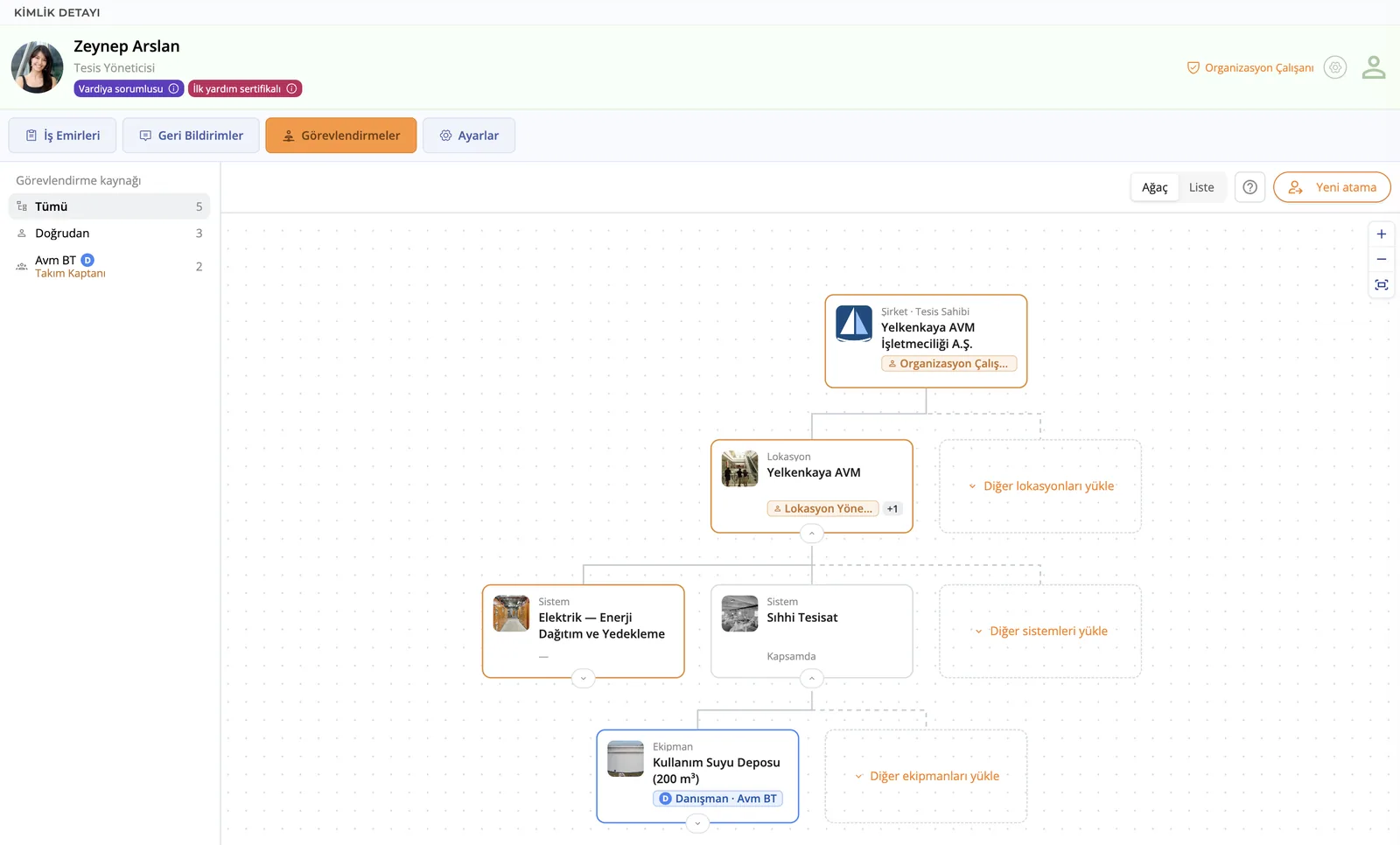
Assign an employee, a team or a service company to a record; they can reach everything under it. When the assignment ends, so does the access.
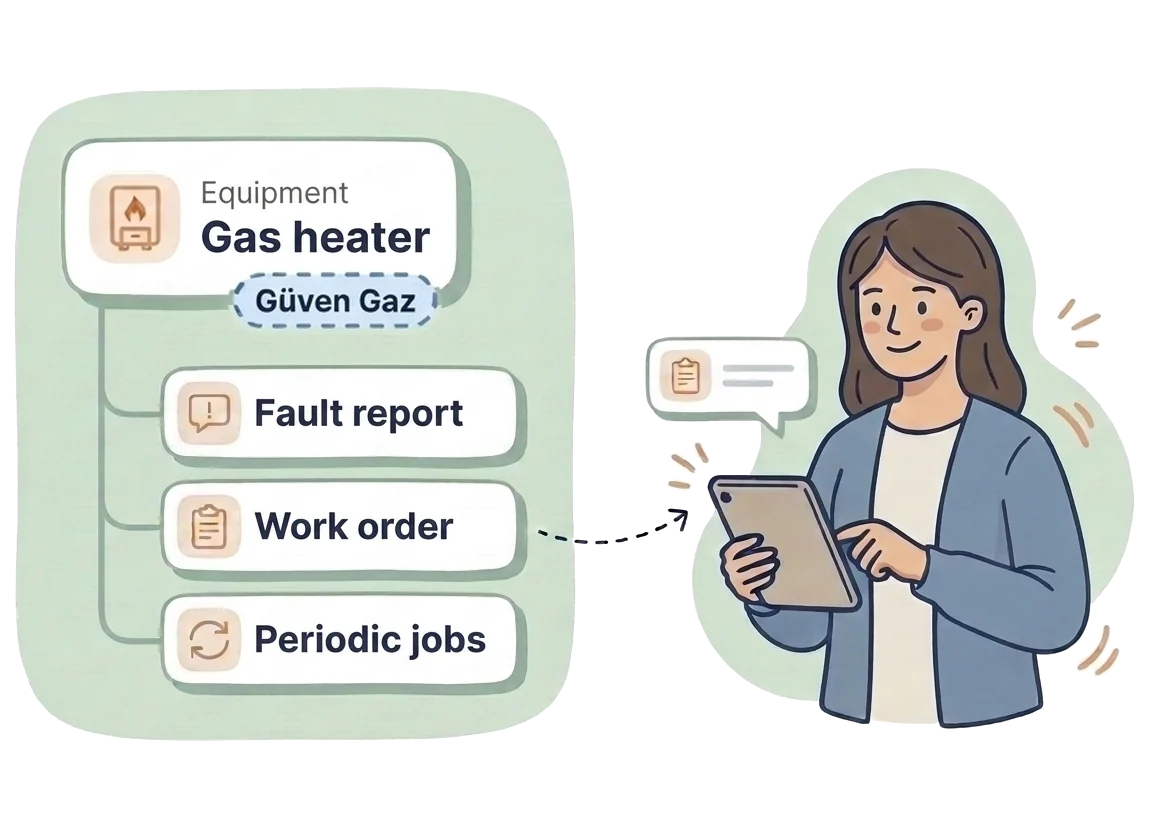
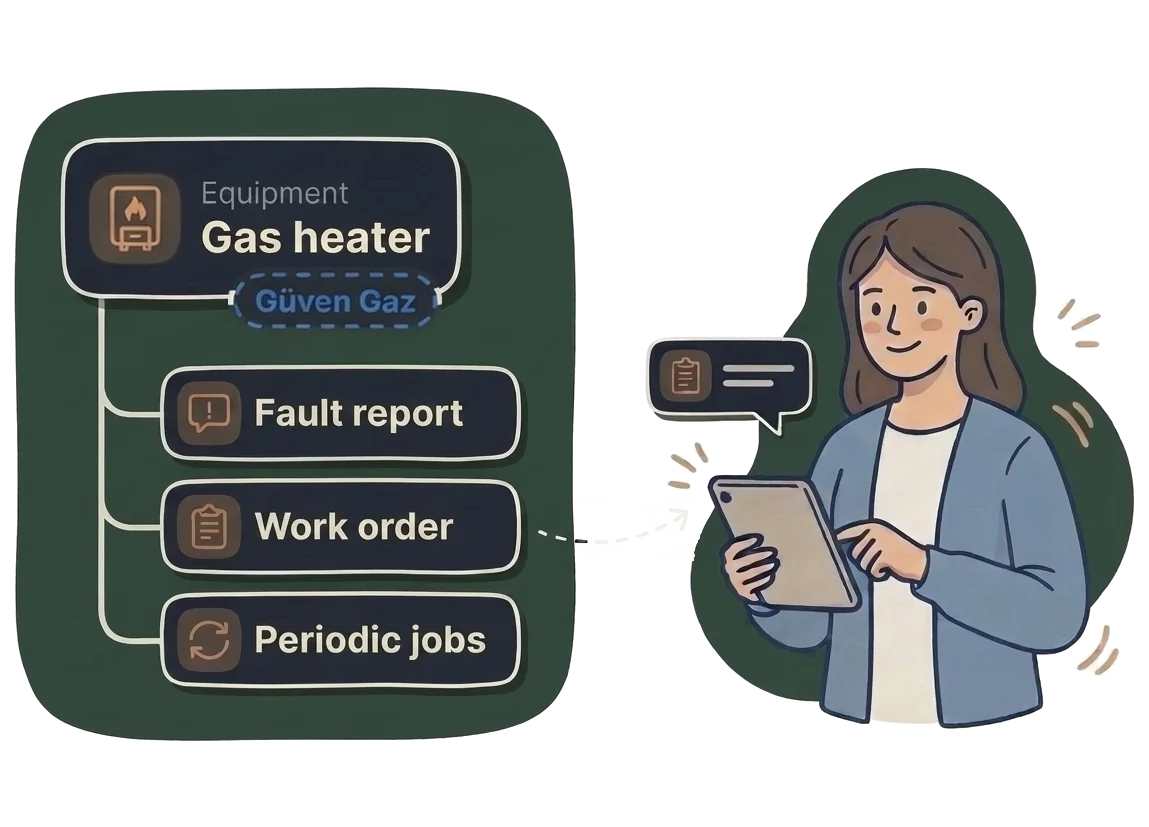
Create the job at the right place or equipment
Fault reports, work orders and periodic jobs open right there and reach the people assigned there.
It grows with you.
From the maintenance of a single business to the coordination of many locations, set up the way of working that fits your needs.
 A small businessA café, a bakery, a clinic.
- An inventory from a ready-made list of models
- A fault reported with a photo, a work order in one click
- Periodic maintenance that opens by itself
- Digital checklists and inspection forms
 A growing businessA few branches, a hotel, a shopping mall.
- The same platform as your outside service companies
- Teams, and list, calendar and board views
- Permissions computed from the assignments
- Expert approval: your consultant signs the work off
 A chain or a groupDozens of locations, many service companies.
- Your branches in one inventory tree and on the map
- One rule, the same maintenance plan in every branch
- Every change recorded, Excel and CSV export
- An open REST API for your ERP and your automation
Getting started
Start with a single location
Know what you have and where it is.
Add the coffee machine, the refrigerator and the gas heater in a few minutes. Pick the brand and model from a ready-made list, and keep the invoice, the user manual and a photo next to it. We will let you know before its warranty or service life runs out.
- A ready-made library of brands and models
- Standard device categories, so you speak the same language as outside service companies
- Invoices, manuals and photos always in the device’s own file
- Automatic reminders before the warranty runs out
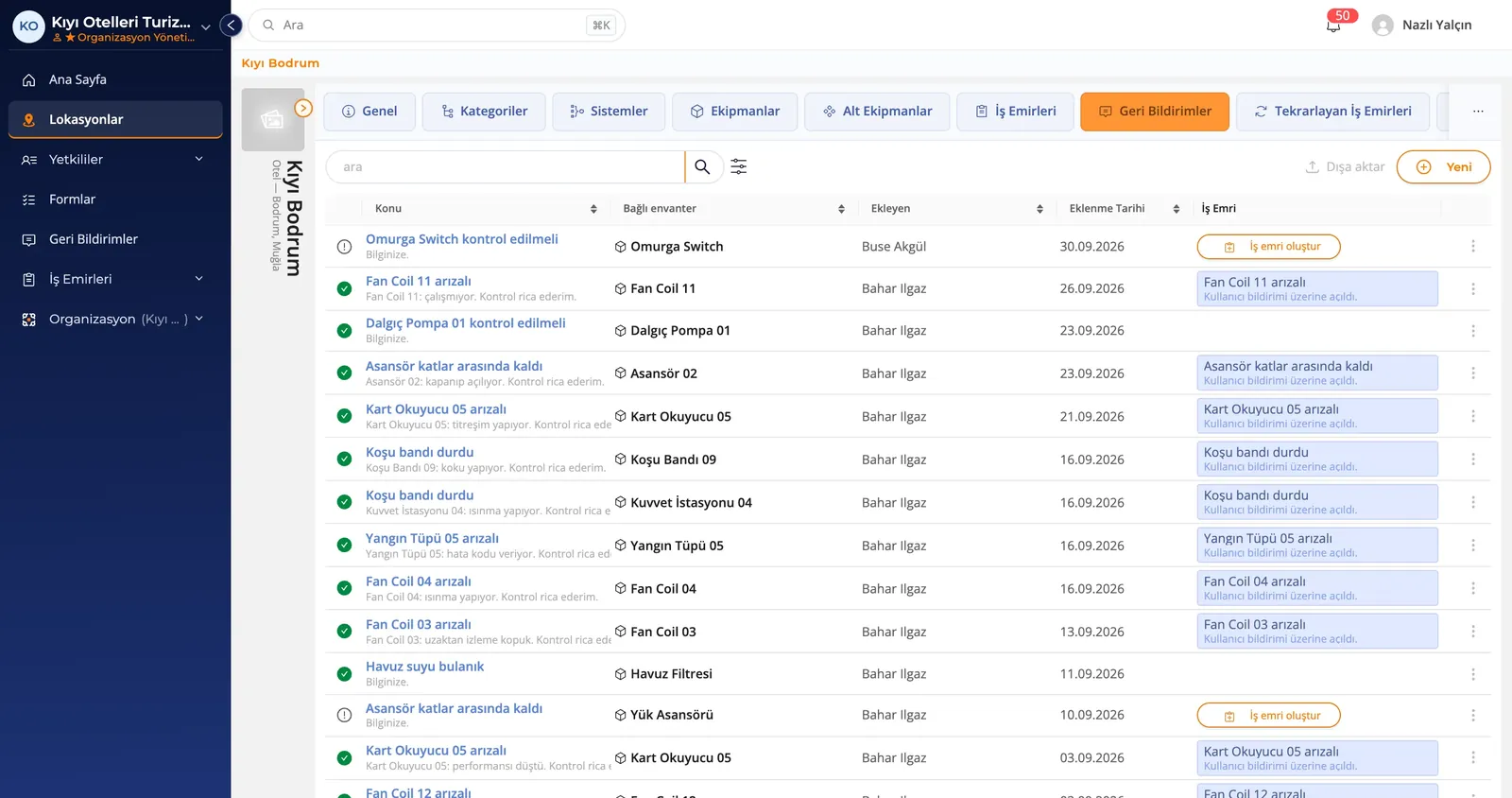
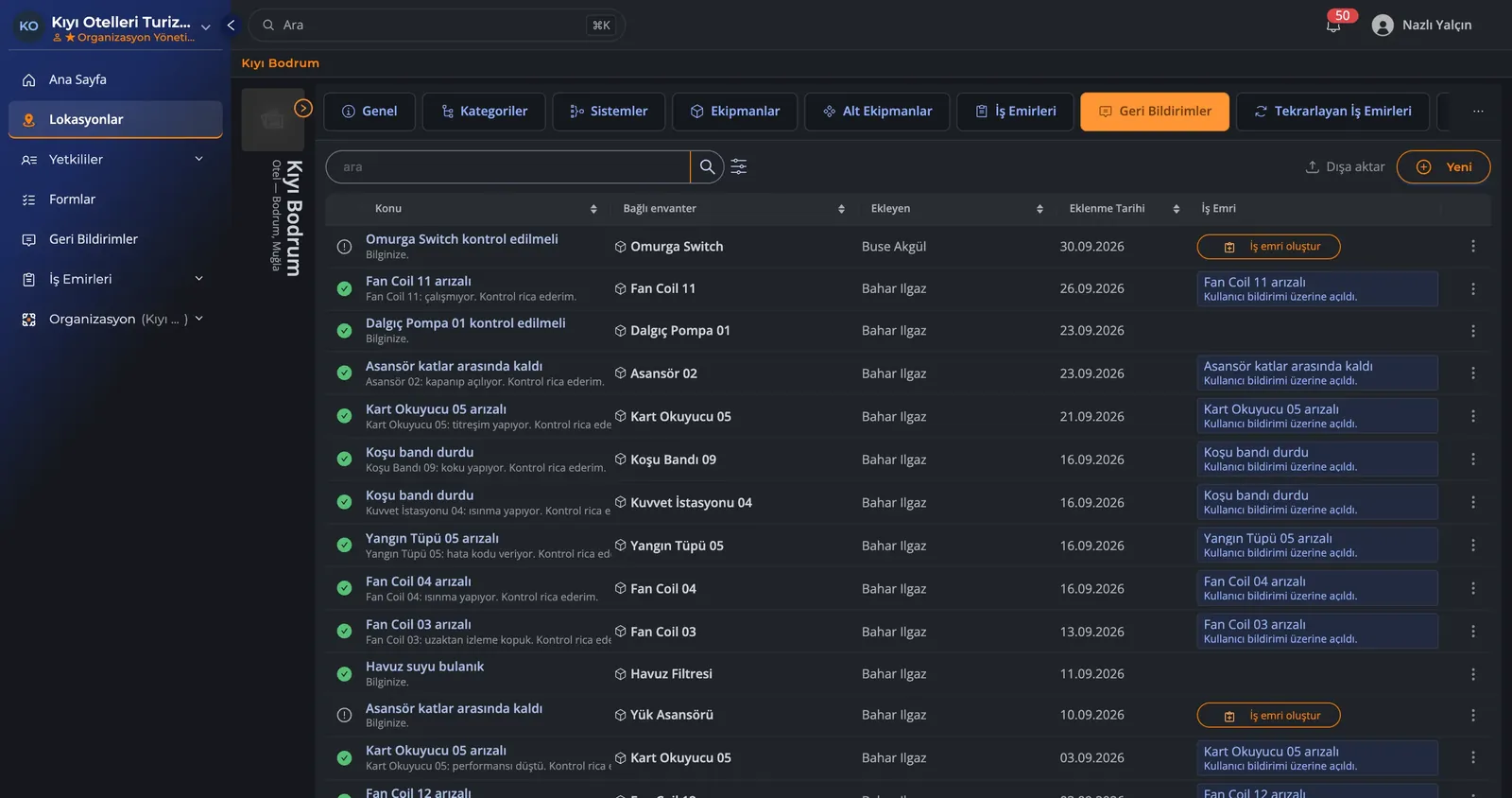
Hear about a fault at once, and watch it move along in the open.
Someone on your team writes it up with a photo. You turn it into a job with one click and assign it. You can see at any moment what stage the work is at.
- Issues reported with photos
- A work order in one click
- Route work to people or teams: even when staff change, the records are not lost
- Email and in-app notifications
Let periodic maintenance remind you itself when it falls due.
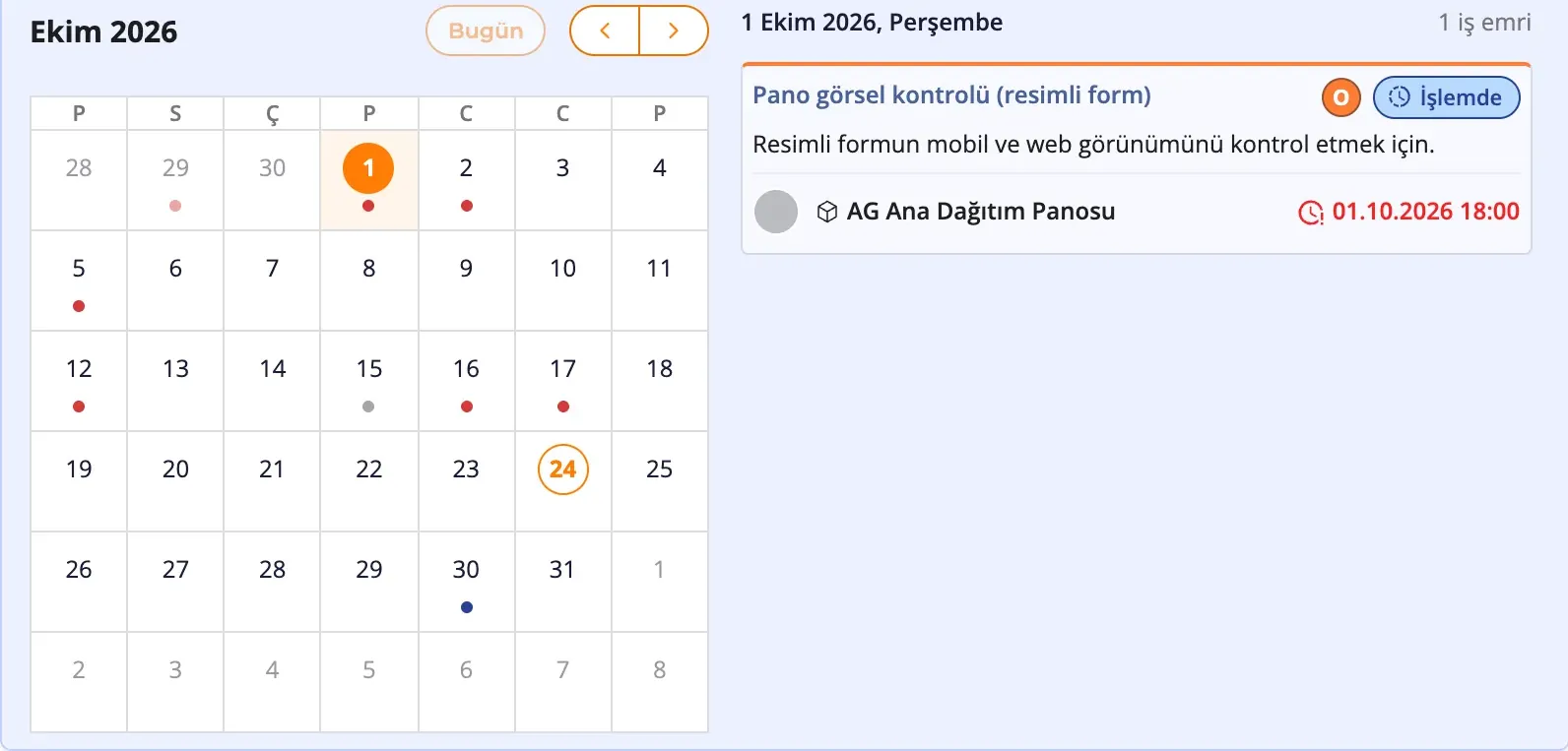
Define regular jobs such as cleaning, filter changes and equipment servicing once, and the job opens by itself when the time comes. With ready-made checklists, the person doing the work knows what to look at. Regular maintenance makes equipment last longer and raises the quality of your service.
- Tasks that repeat daily, weekly or yearly
- Easy planning with drag and drop on the calendar
- Digital inspection forms
Working together
The business, the service team and the consultant on the same record
Work on the same platform as your outside service companies.
The business invites a service company or a technical consultant to work on a given location, system or piece of equipment. The service company joins from its own account and passes the access it is given on to its own team. The form, the photos and the notes from the finished work are kept in the customer’s maintenance record.
- Free accounts for service companies*
- Outside service companies reach only the locations, systems and equipment their access covers
- A service company passes the permission it receives on to its own team
- The whole repair and maintenance history stays in your business’s own records
- Expert approval: your technical consultant can review the finished work and approve it
* A service company’s account is free for up to its first 5 connections with customers.
Are you a service company? See what kommuns offers you →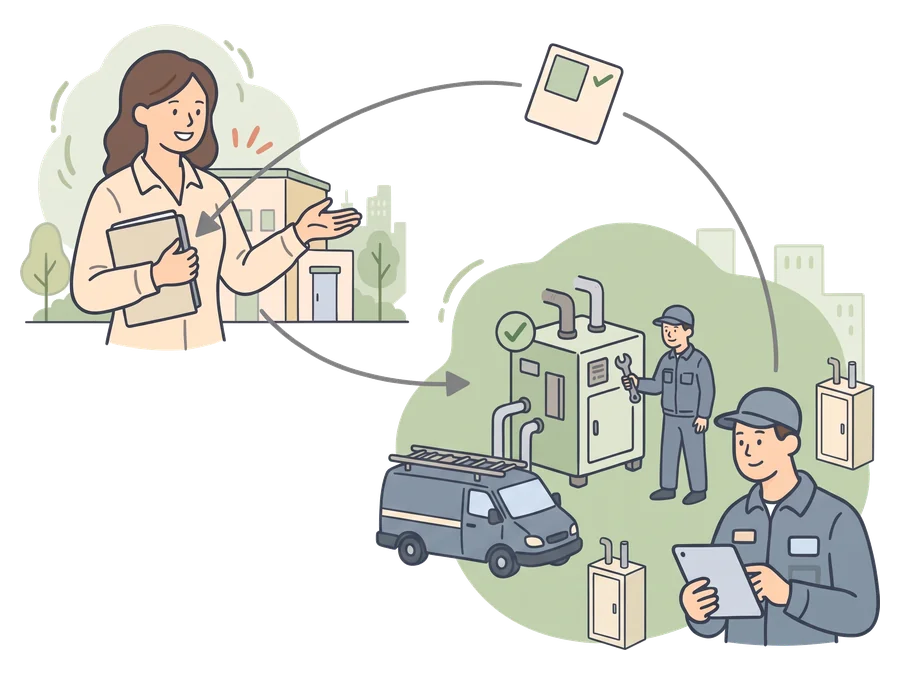
As your team grows, keep your operation in order.
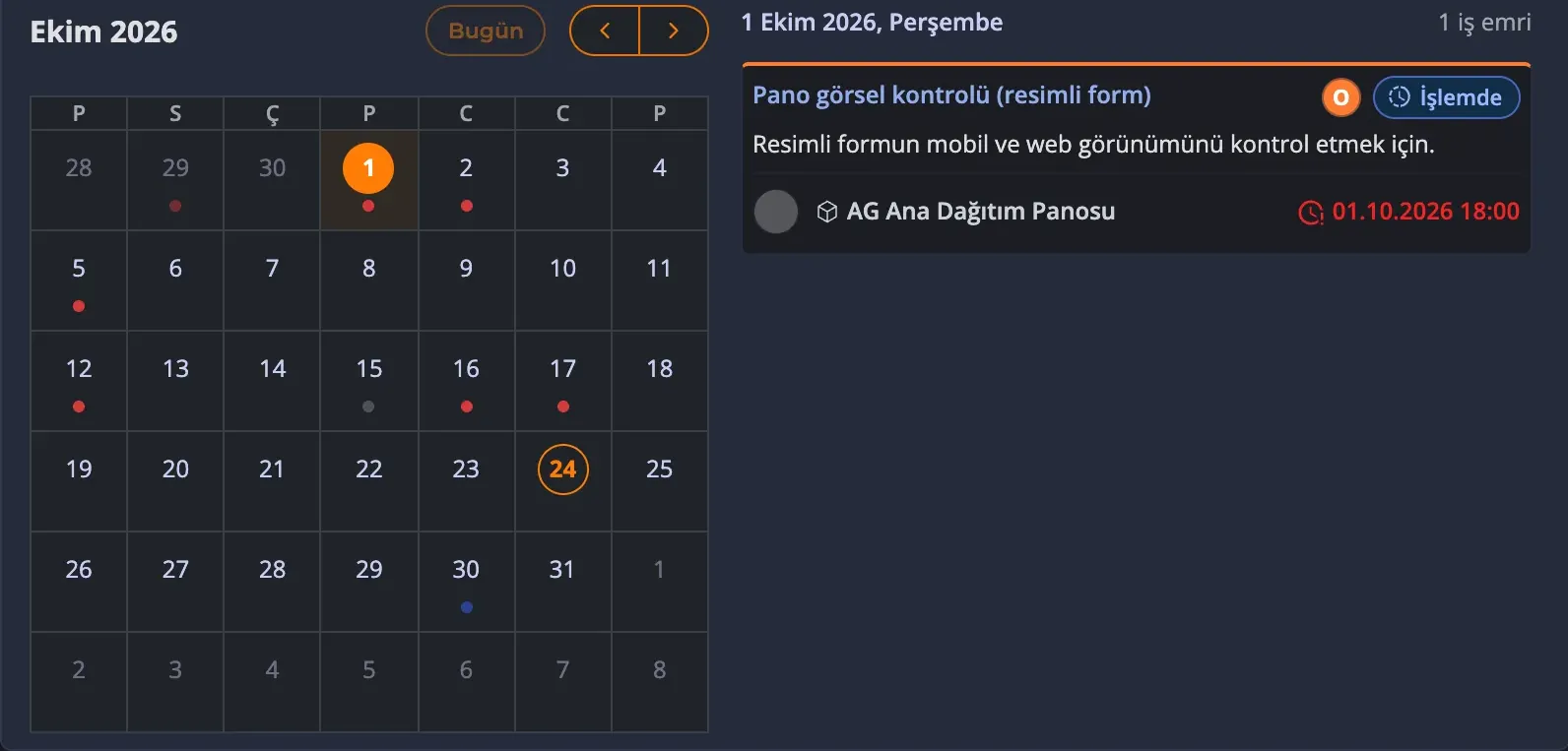
Split the staff of your business or your service company into teams. Assign the work to a person or a team, and define their access on the location, system or piece of equipment it concerns. Follow the work in a list, on the calendar or on the board.
- Teams, and access that follows the assignments
- List, calendar and board views
- Green, yellow and red marks and expected ranges in form answers
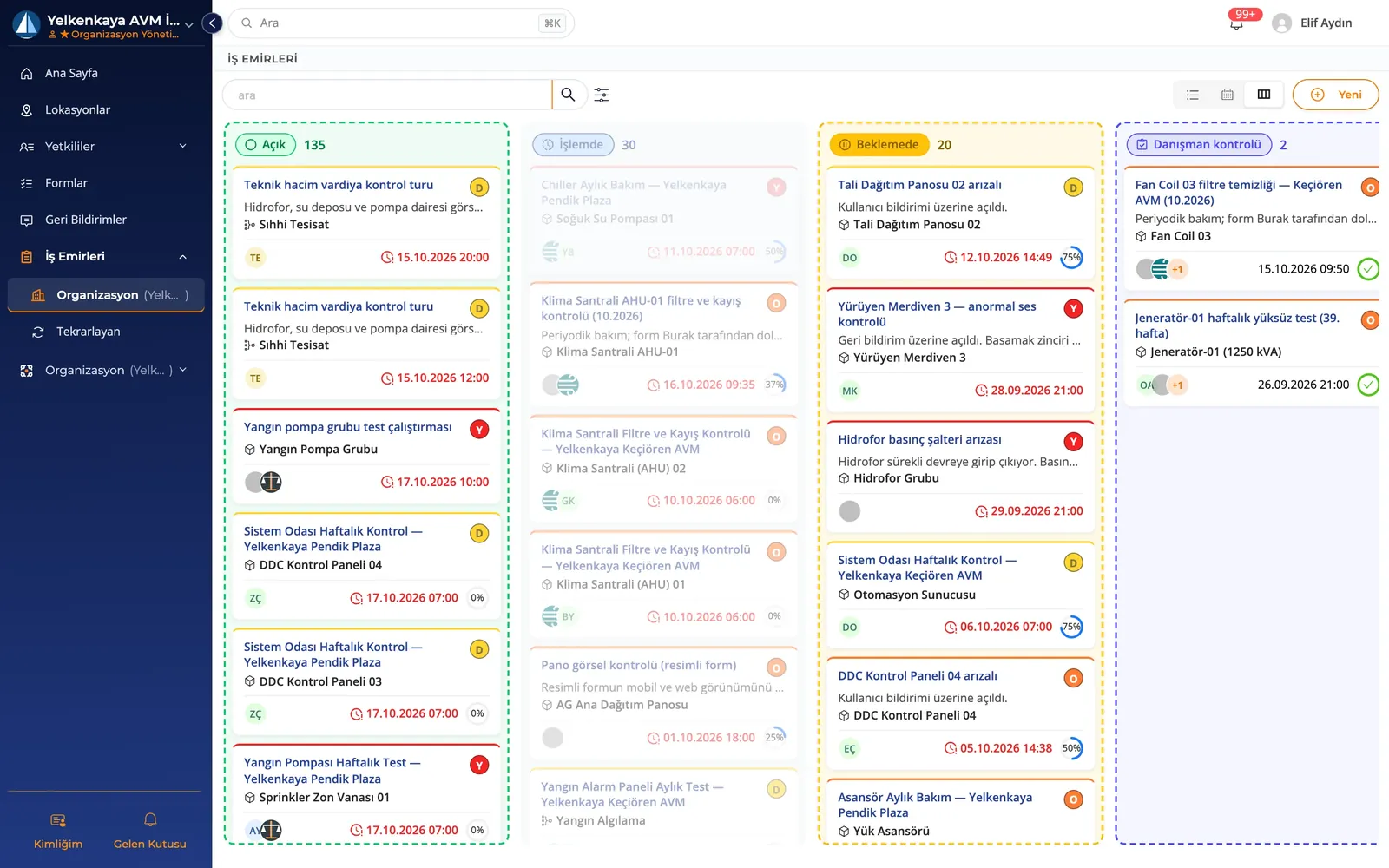
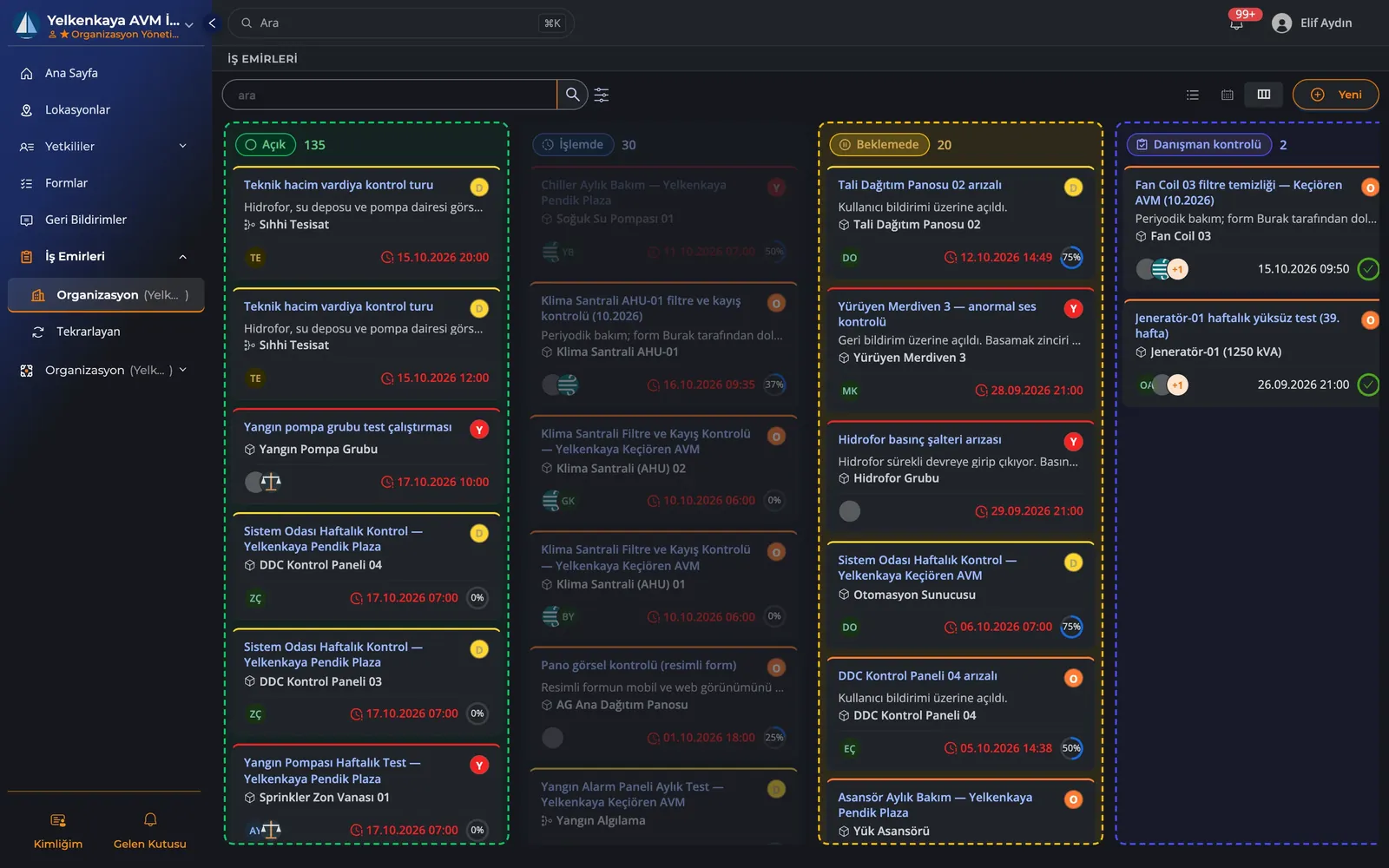
People see only the place they are assigned to.
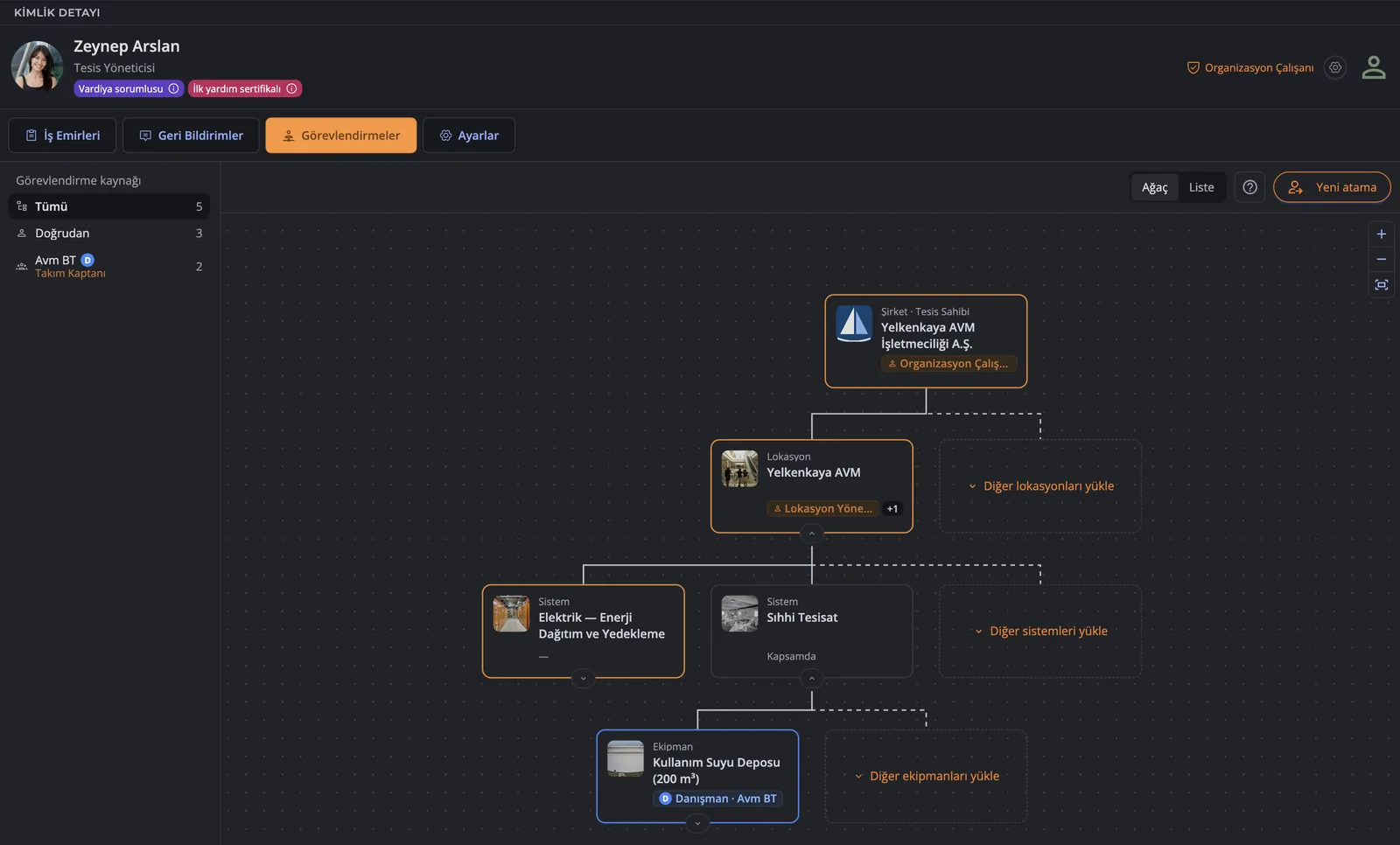
Access is computed from the assignments on the inventory tree. A person, a team or a service company works with the access given on the location, system or piece of equipment they are assigned to, and on everything under it. A service company can pass the access it receives from its customer on to its own team.
- Assign people as the one who does the work or the one who approves it
- Appoint the people in charge of a device or a branch
- Give outside companies temporary access, branch by branch or device by device
- Remove the assignment, and the access that came with it goes too
Growing
Dozens of locations, one way of working
Full control, from a single branch to hundreds.
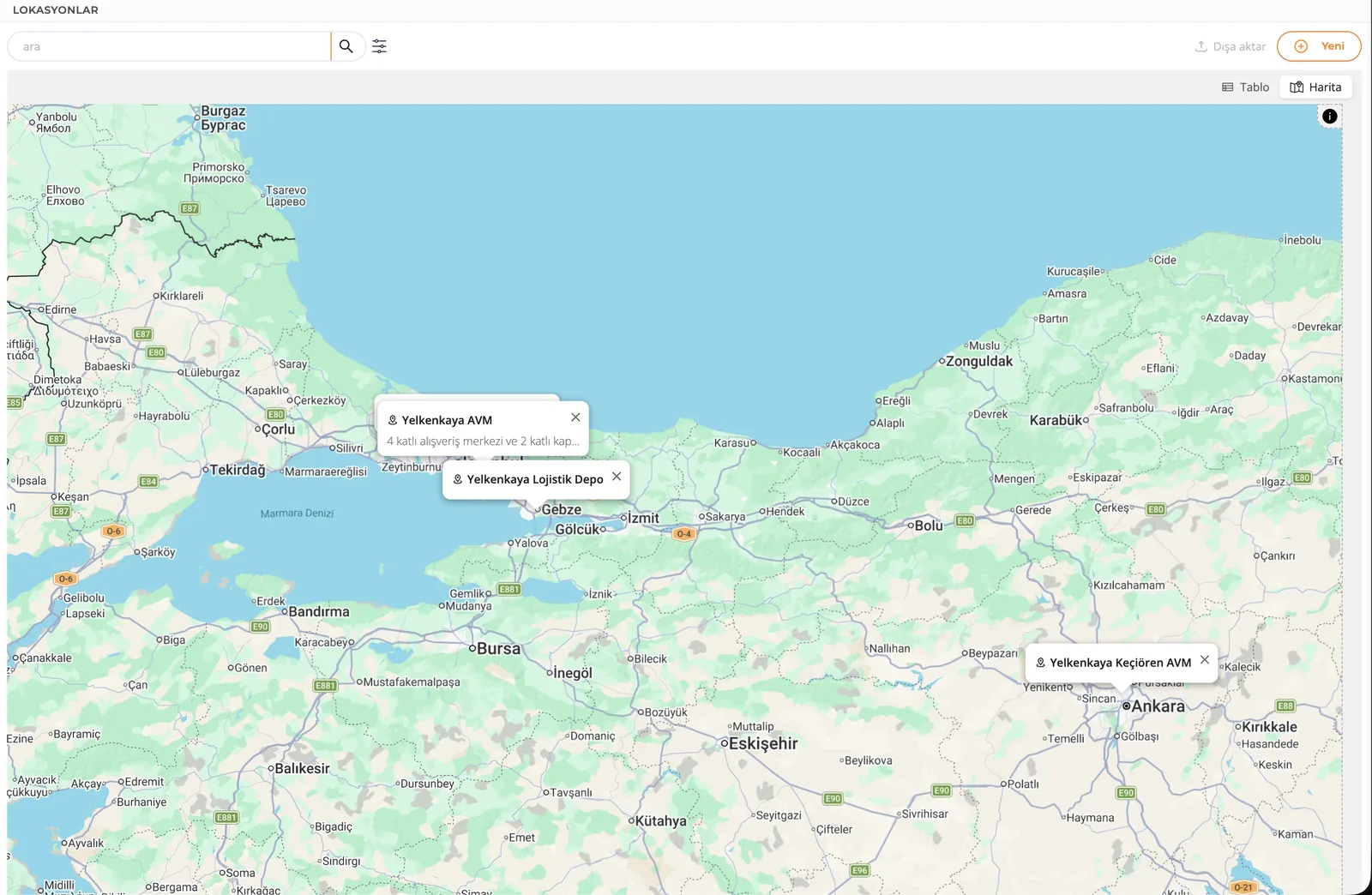
Organize branches, buildings and equipment in one inventory tree. Use assignments to set where head office, the branch and the service teams work. Follow maintenance work together with its location, and set a time zone for each one.
- Location › System › Equipment › Sub-equipment
- One rule schedules maintenance for similar devices in every branch
- See all your branches in a list or on the map
- Local time zone support for branches in other countries
- Export all your data as Excel or CSV
Follow every change
Who did what, and when, is recorded to the second.
Your accounts are protected
Two-step sign-in, passkeys, organization security rules, and support access that opens only with your permission.
Your past data is never deleted
The whole repair and maintenance history of a device is kept for good.
It fits in with the systems you already have.
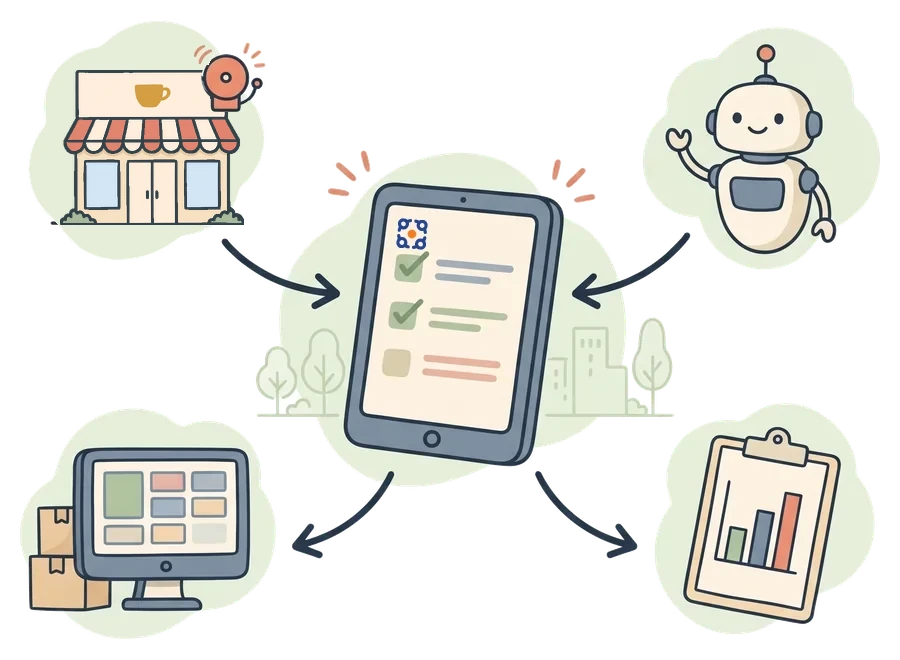
Your ERP, your building automation, your reporting tool and your AI agent can connect to kommuns. A temperature alarm, or a deviation your agent notices, can open a work order by itself; the records of the finished work can be carried into your reporting tool.
- An open REST API for deeper integrations
- Real-time status notifications (webhooks)
- Thorough API documentation for developers
Good maintenance is good for everyone who uses the place.
Servicing an elevator, keeping a kitchen clean, having an air conditioner seen to: it all shapes the daily life of the people who use those places. Businesses, technicians, service companies, consultants and inspectors carry this work out together. We are building kommuns so that every side can work on the same maintenance record with its own access, and so that what was done gathers in the place it belongs.

The data is yours
Even when your service companies change, the whole maintenance history of your devices stays in your own records.
Free for service companies
Every subcontractor and service company that serves you can use kommuns completely free of charge.*
Export your data
Export your data as Excel or CSV. Use the open REST API to build a connection to your other systems.
Turkish and English
With Turkish and English, your whole team and your partners abroad each work in their own language.
* A service company’s account is free for up to its first 5 connections with customers.
Do you provide service or consulting?
Work from your own account on the maintenance, inspection and consulting your customers give you access to. Assign the work to your own team, and document what was done in the customer’s record. For a service company serving its customers, the account is free.*
Frequently asked questions
Do I need technical knowledge or training to use it?
You do not have to write any code to record equipment and follow your work. You can start by creating your location, system and equipment records. If you are a service company, you work on the records your customer’s access covers.
Can I manage it from my mobile phone?
Yes, kommuns works fine in your smartphone’s browser.
Is the account free for service companies serving their customers?
Yes. The accounts of service companies are free for the services they provide to their customers.* The company works from its own account and can pass the access it receives from its customer on to its own team.
How long does it take to get hundreds of pieces of equipment into the system?
You do not have to enter all of it up front. The + on a location or a system in the tree opens a small panel: you type a name, press Enter, and the next one is ready. Serial numbers, categories and photos can come later. Most businesses start with the systems that matter most to them and fill in the rest as they use it.
Who owns our data, and who keeps it safe?
All of it is yours. The maintenance history is kept safe in your own system, and you can export it to Excel whenever you like.
* A service company’s account is free for up to its first 5 connections with customers.
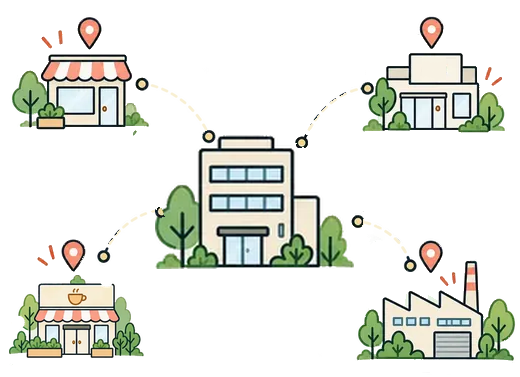
Whatever your size, manage it “together”.
If you are a business, record your locations and your equipment. If you are a service company, work with your own team on the records your customer gives you access to. Follow the finished work on that same record.